Full colour
Your everyday logo, on white or light backgrounds: website, flyers, business cards, documents, social posts.
Everything you need to put DrpIV+ on anything: social media, shirts, signs, business cards, flyers and anything else. Tap any button to download that file, or get everything at once.
Download everything 59 files · 9.2 MB One zip file, sorted into folders. Not sure which file to use? The guide just below tells you.| Your profile picture on Instagram, Facebook, TikTok or Google | Profile picture |
| Business cards, flyers, signs, banners, car magnets | The PDF (send it to your printer) |
| Shirts, hats and embroidery | The PDF. If they print one colour, the black or white version |
| Canva, Word, Google Docs, slides, emails | PNG medium (see-through background) |
| A printer or designer asks for a "vector", AI or EPS file | The PDF or the SVG |
| On a dark background or a dark photo | "For dark backgrounds" or white |
| Somewhere small: stickers, watermarks, a corner | The drop |
| A site or app asks for a square logo | Square logo |
| Anything you hand to a designer | The one-page brand guide, plus the files |
PDF and SVG are vector files: they stay sharp at any size, from a business card to a banner. PNG files have a see-through background, so they sit cleanly on any colour. A white logo looks empty on a white screen; that is normal.
Four versions of the same logo. Use full colour whenever you can.
Your everyday logo, on white or light backgrounds: website, flyers, business cards, documents, social posts.
On black, navy, dark teal or a dark photo: dark shirts, dark flyers, the end of a video.
When only one ink is allowed: one-colour printing, engraving, stamps, embroidery in one thread, faxes and black-and-white copies.

One colour on a dark or busy background: shirts and hats, window decals, car magnets, over photos.
The drop on its own is the small version of the same logo. Use it where the full logo would be too small to read (under about 1 inch or 120 pixels wide).
Small spaces on white or light: a corner of a flyer, stickers, a watermark on photos.
Small spaces on dark: a sleeve or the back of a shirt, dark stickers, dark video corners.
Small, one ink: stamps, engraving, one-colour printing.

Small, one colour on dark or over photos: watermarks, decals.
These are already set up on your website. You only need them if someone builds another page, app or booking tool for you.
The tiny picture beside your name in a browser tab and in bookmarks (often called a "favicon").
The icon a customer gets when they save drpiv.com to their phone's home screen, and for apps or booking tools that ask for an app icon.
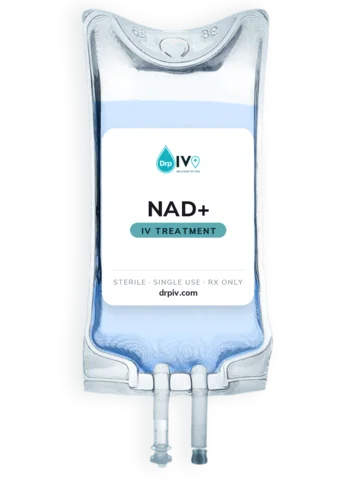
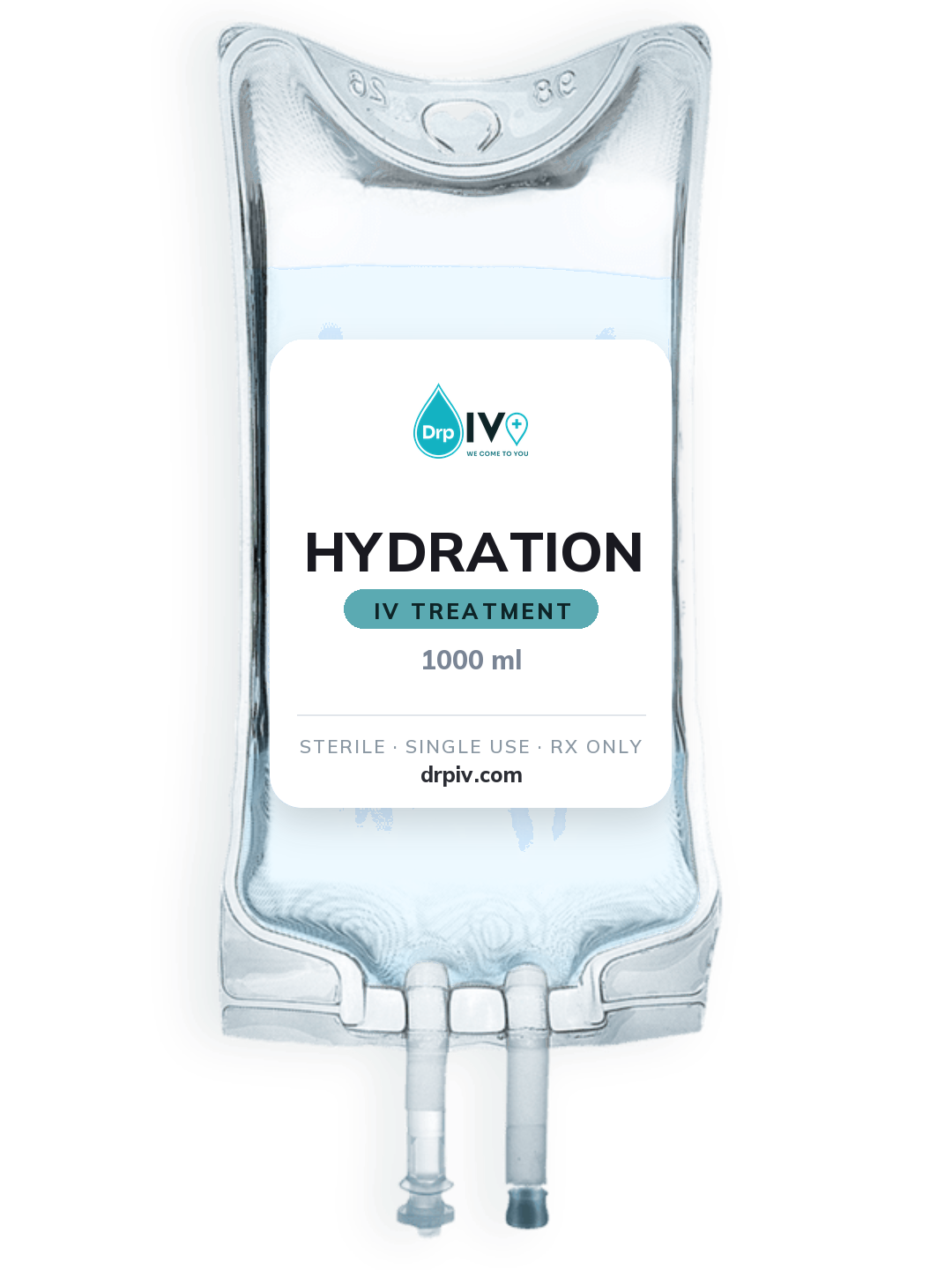
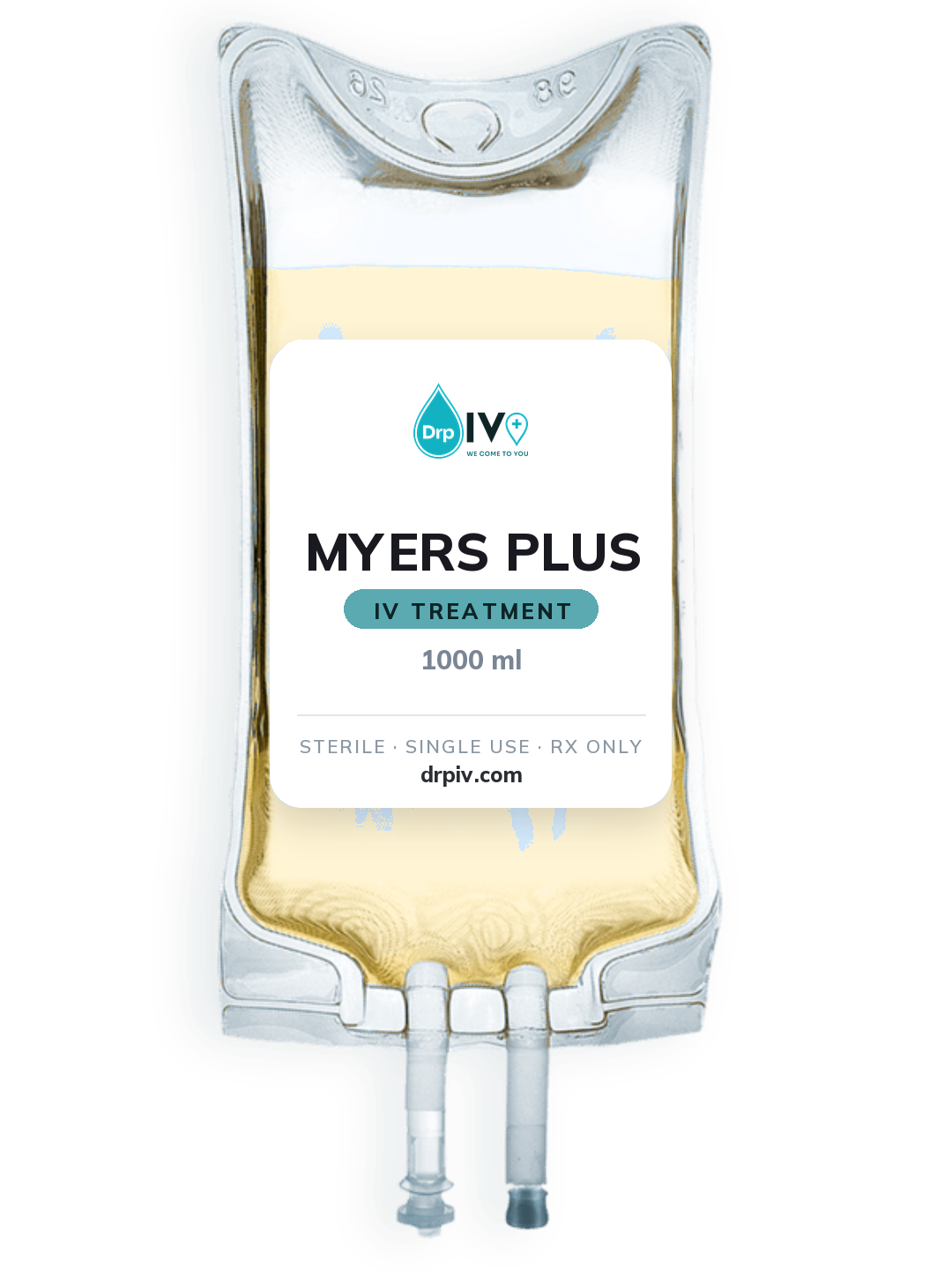
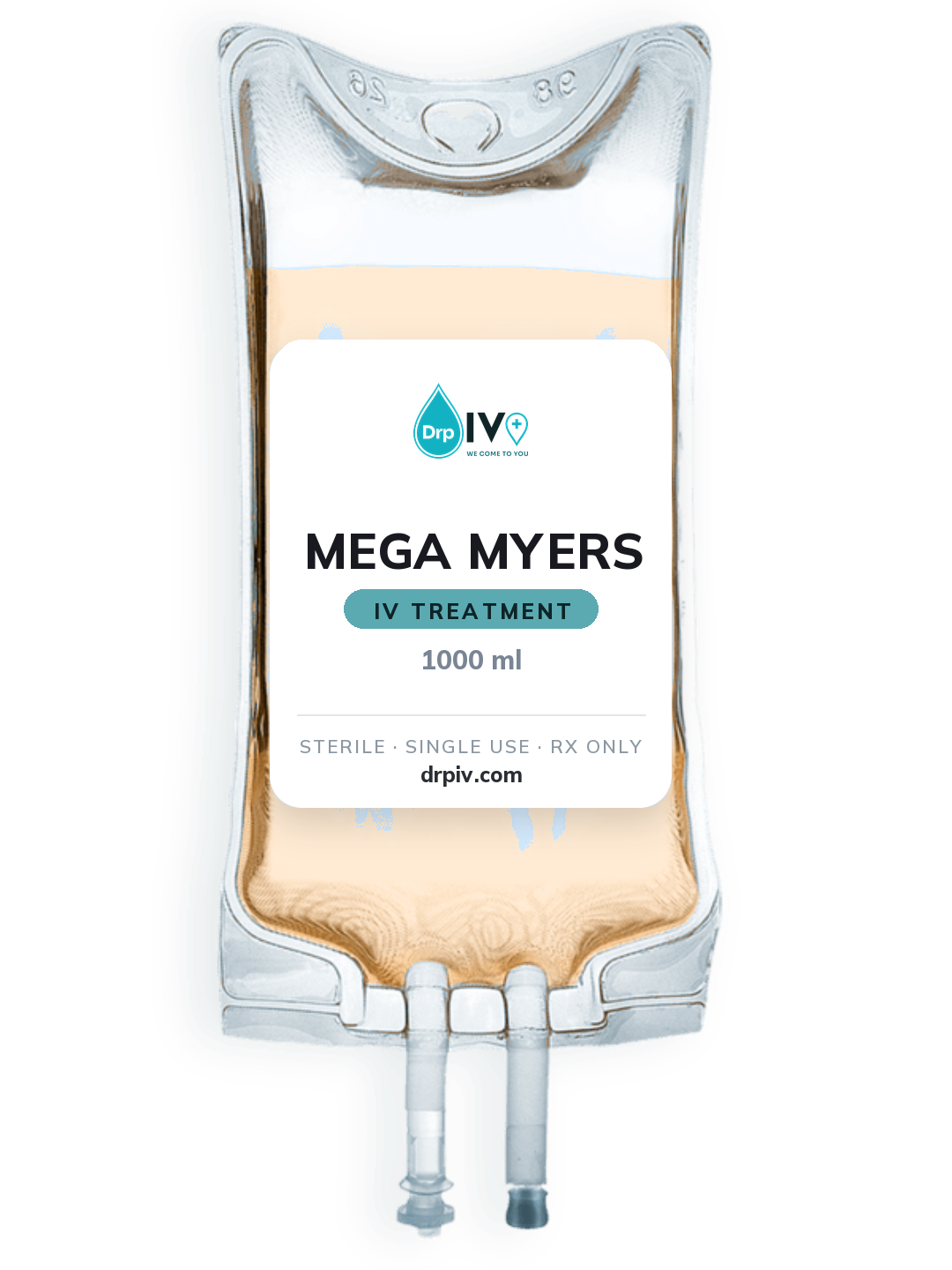
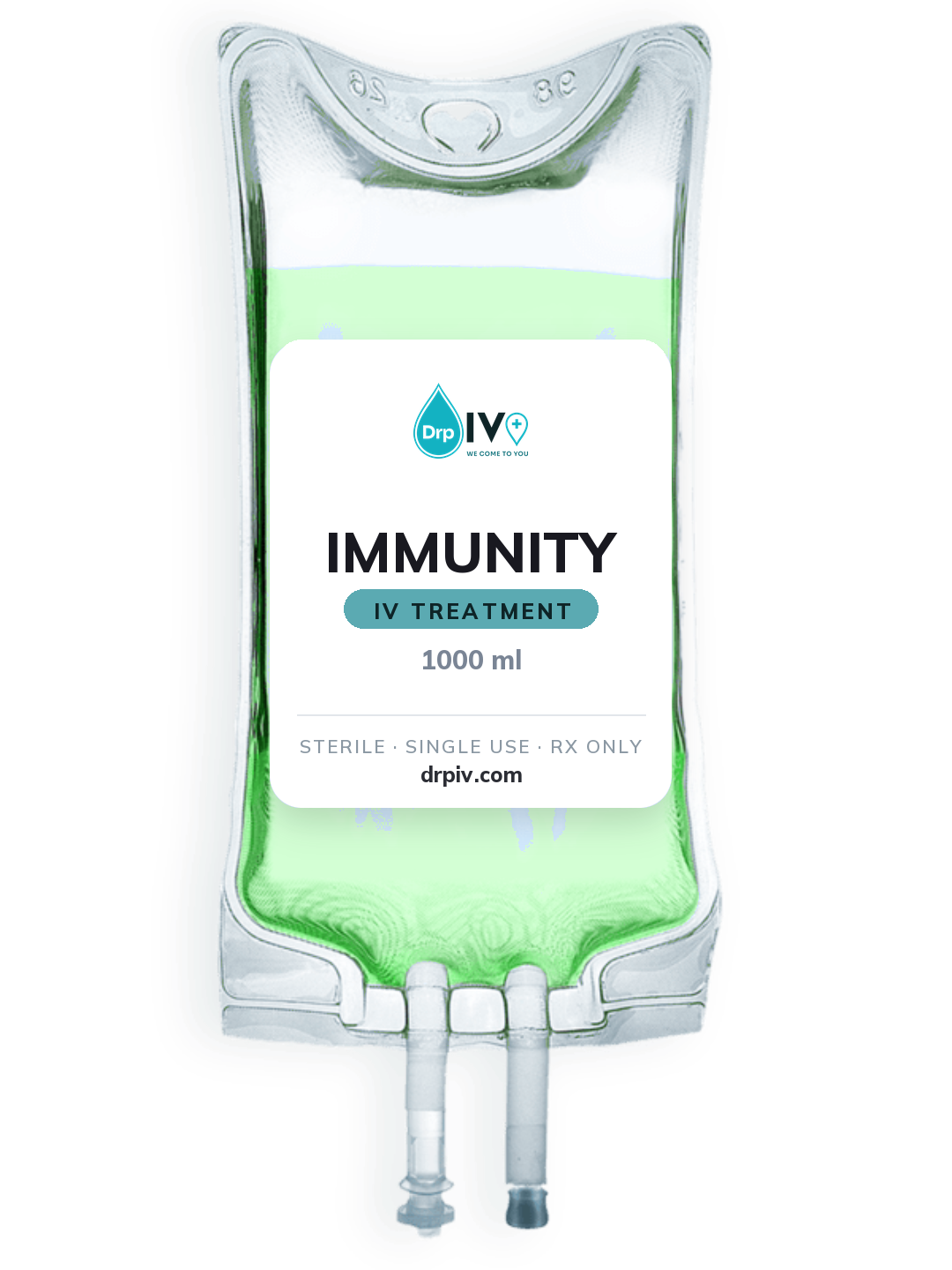
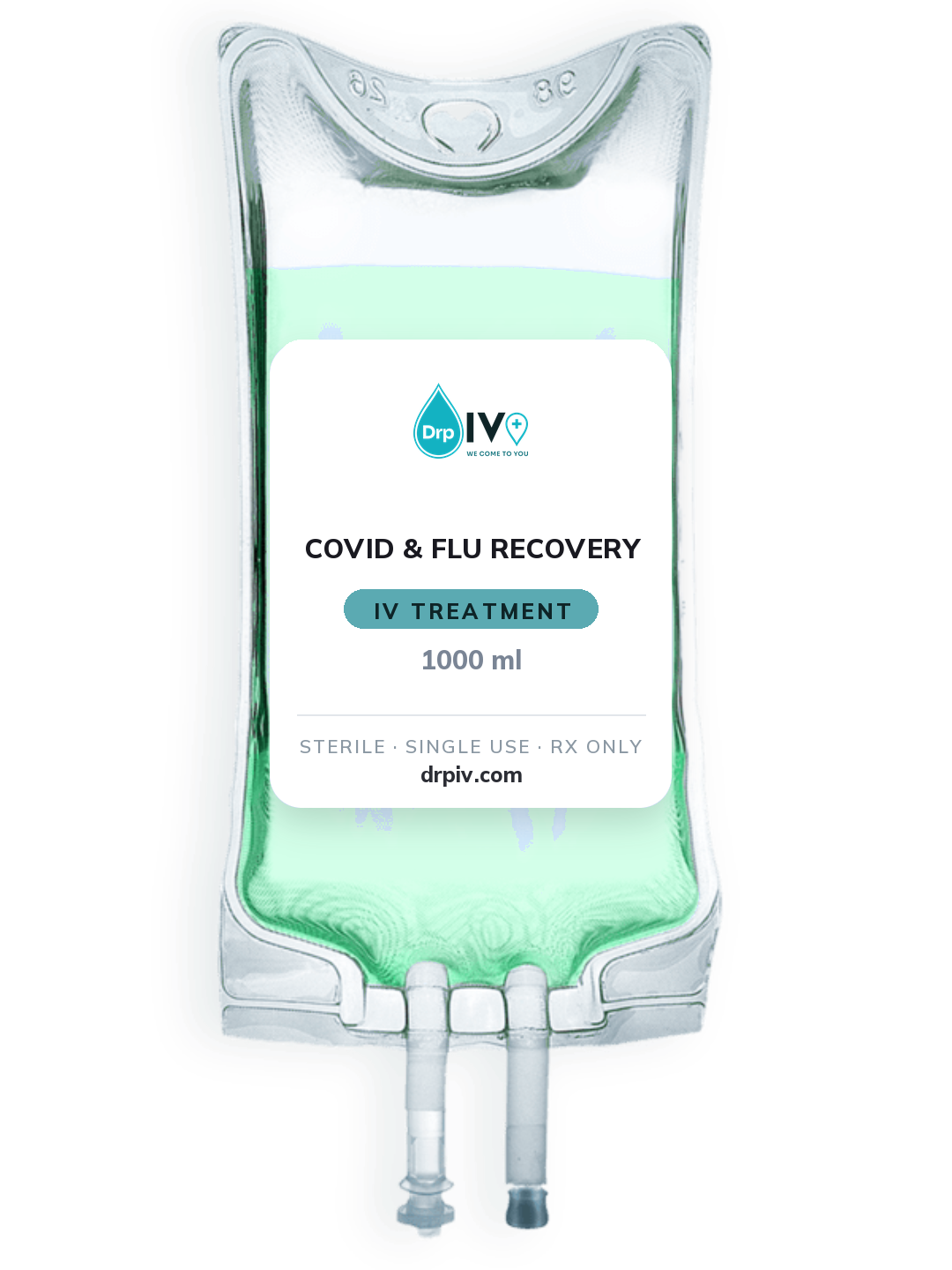
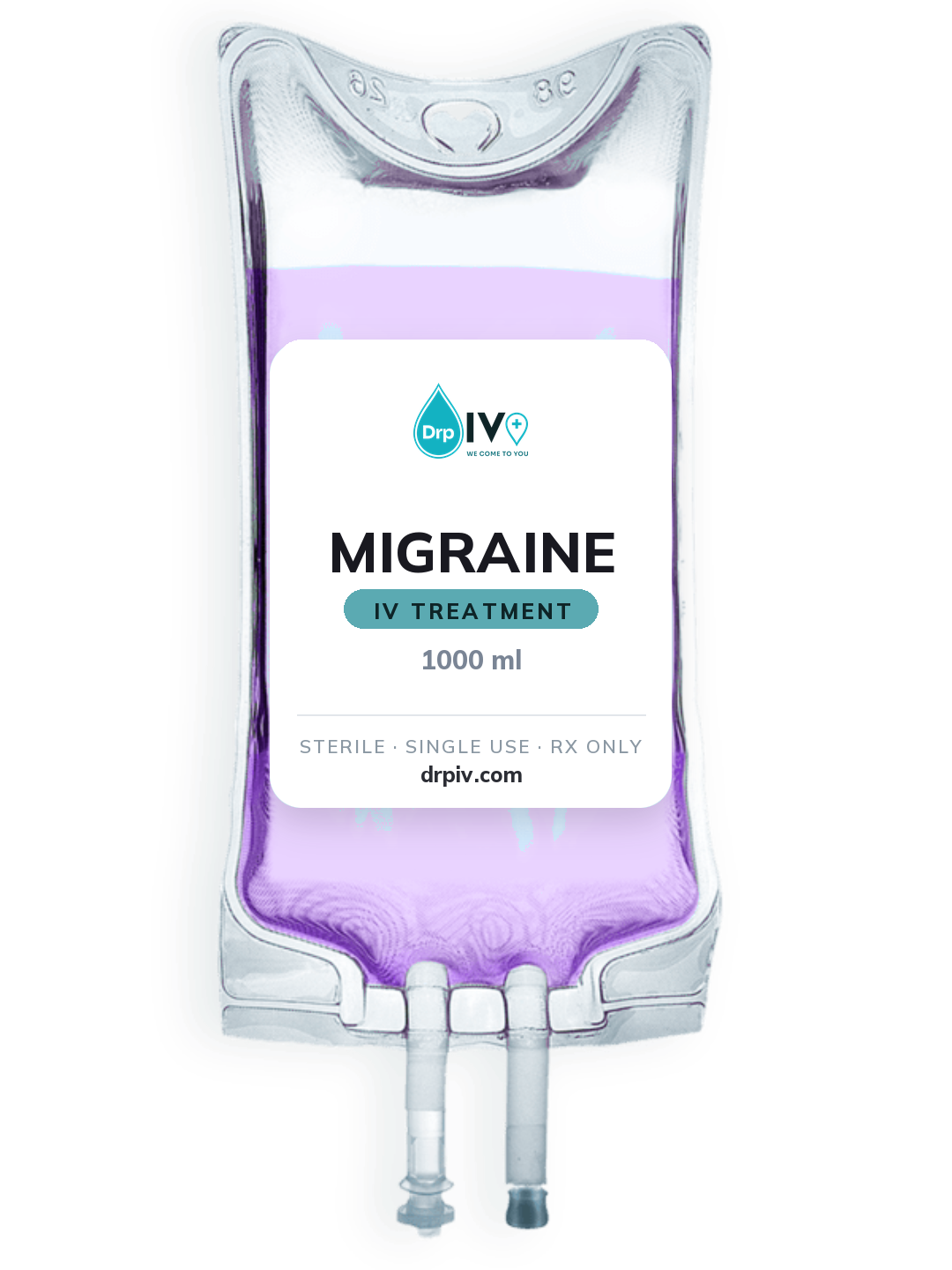
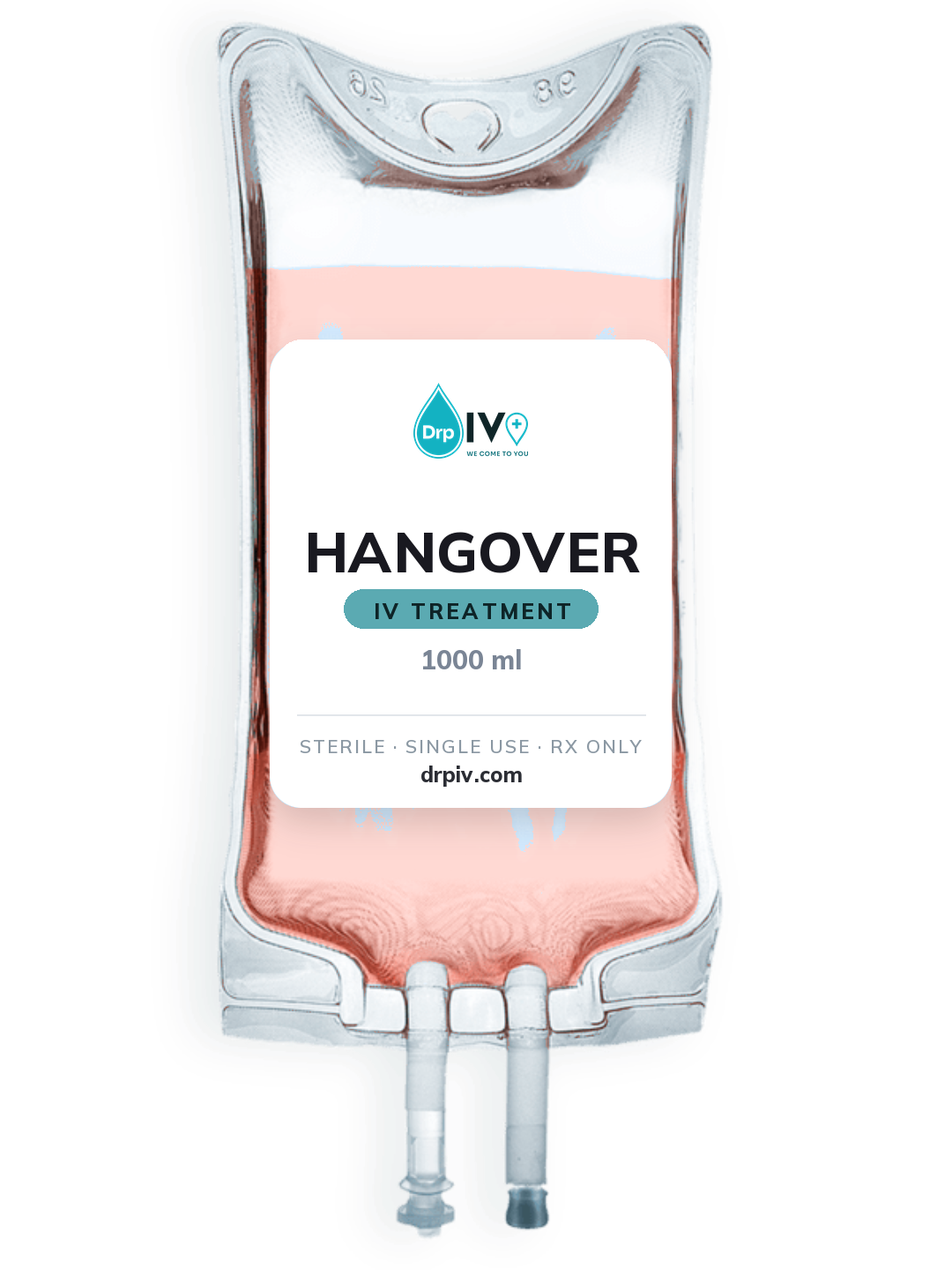
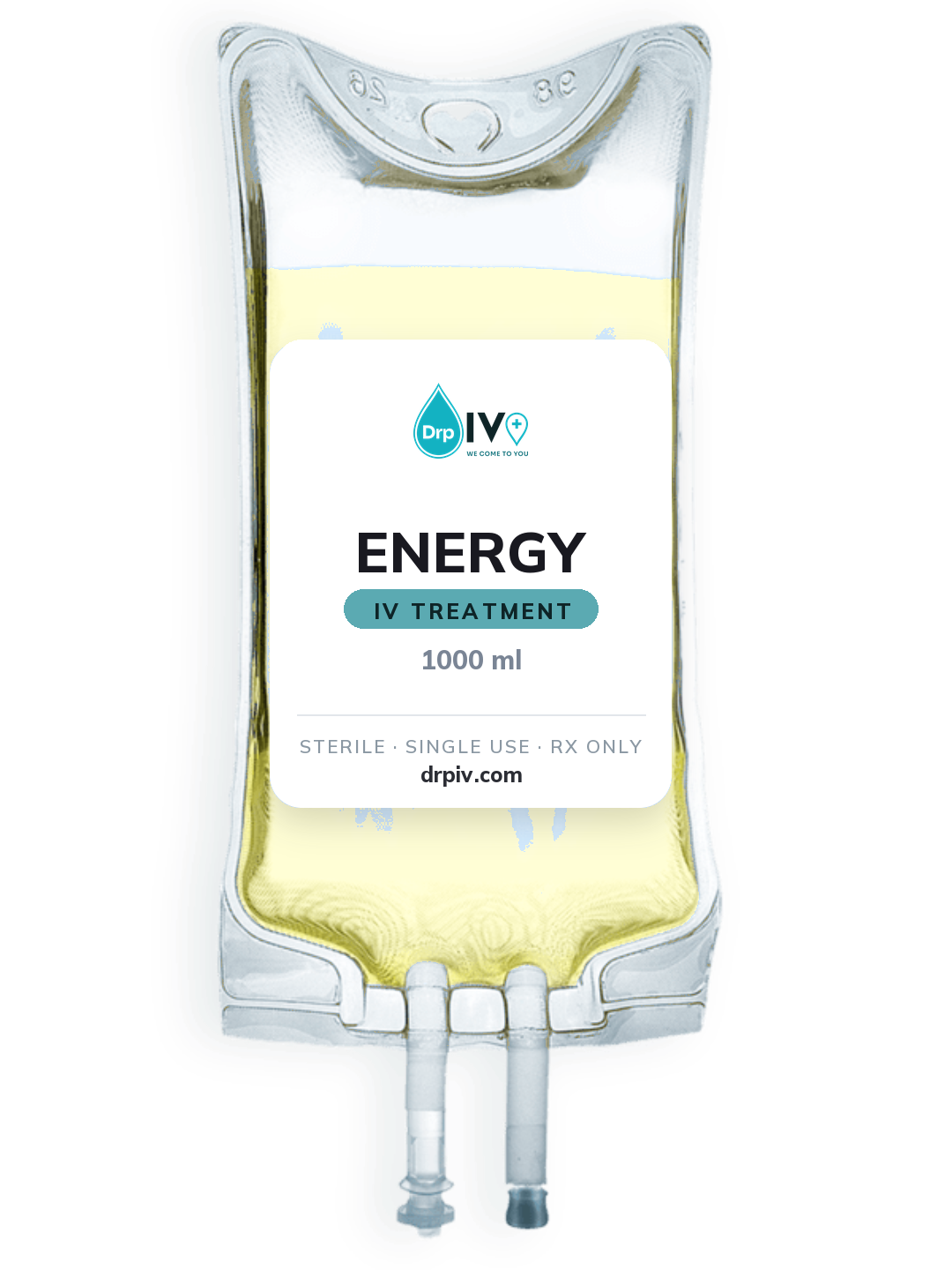
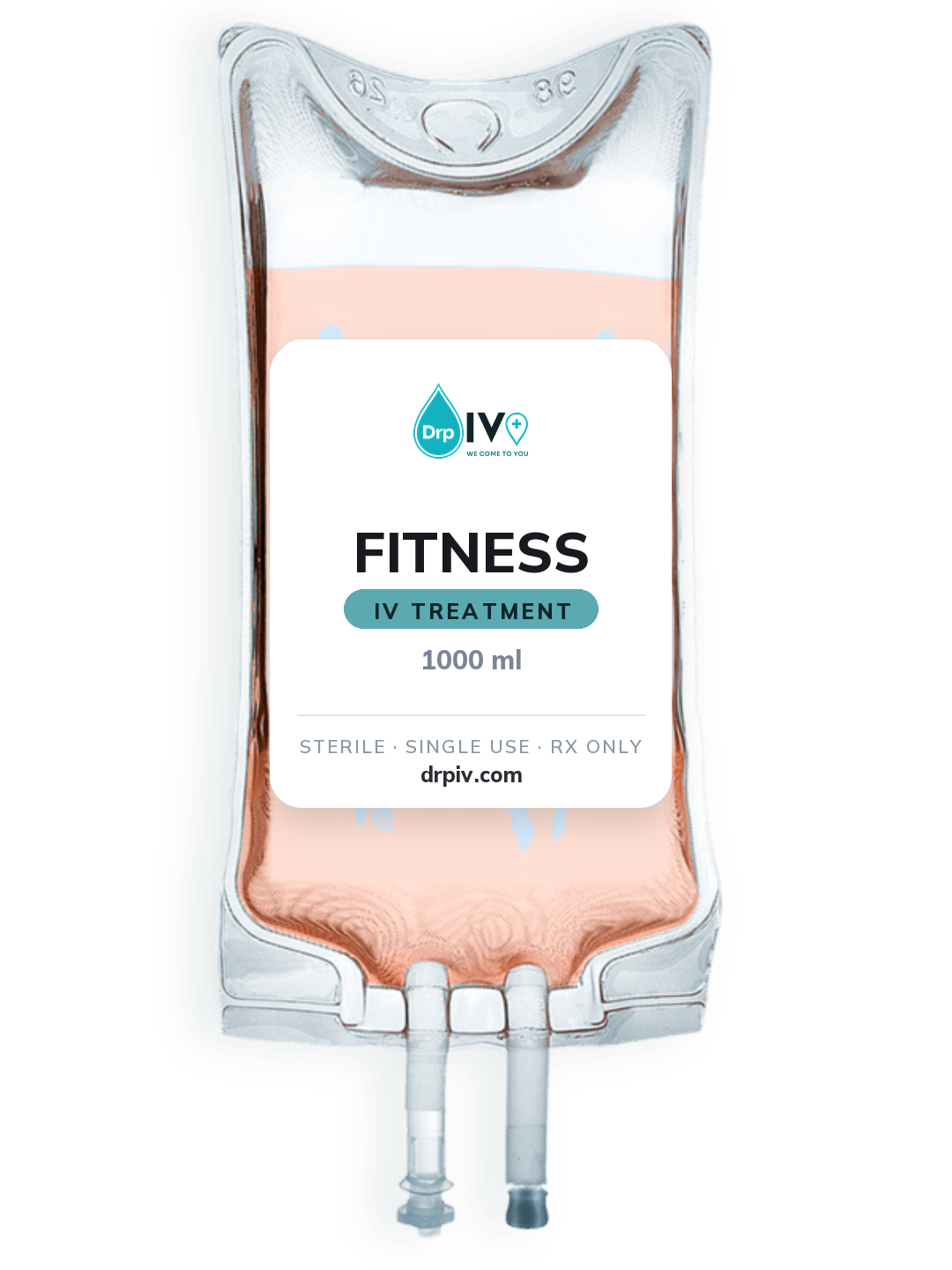
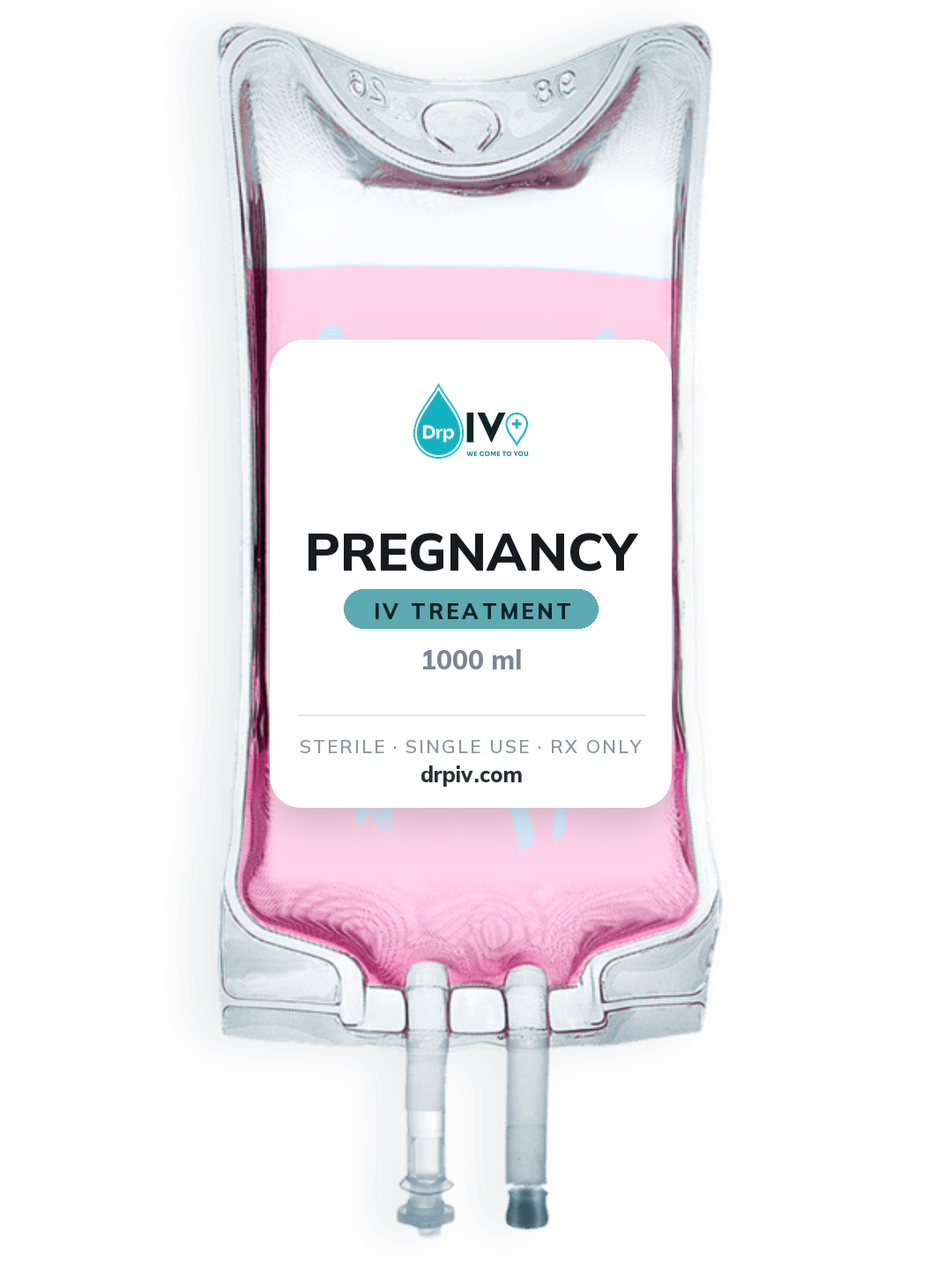
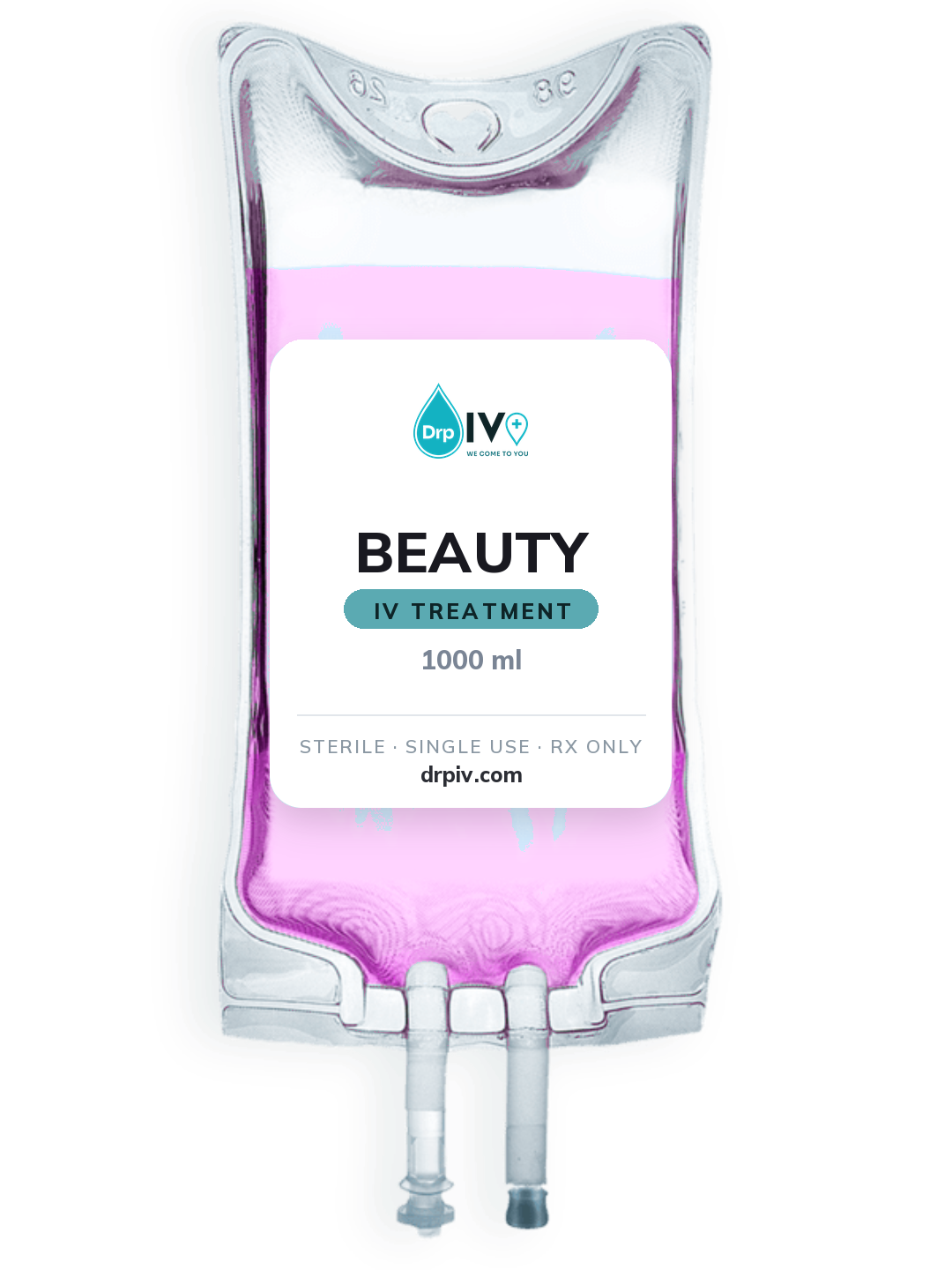
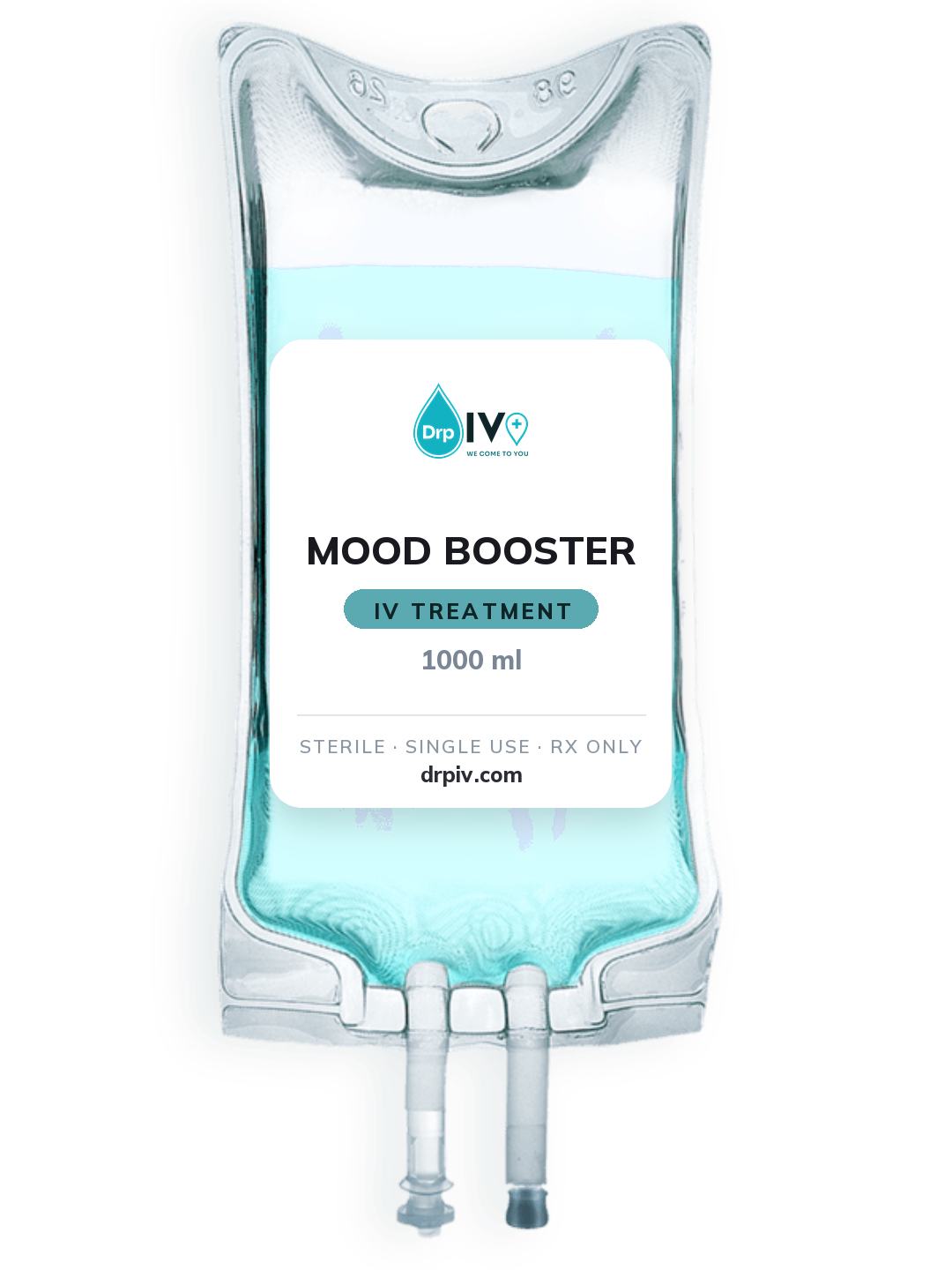
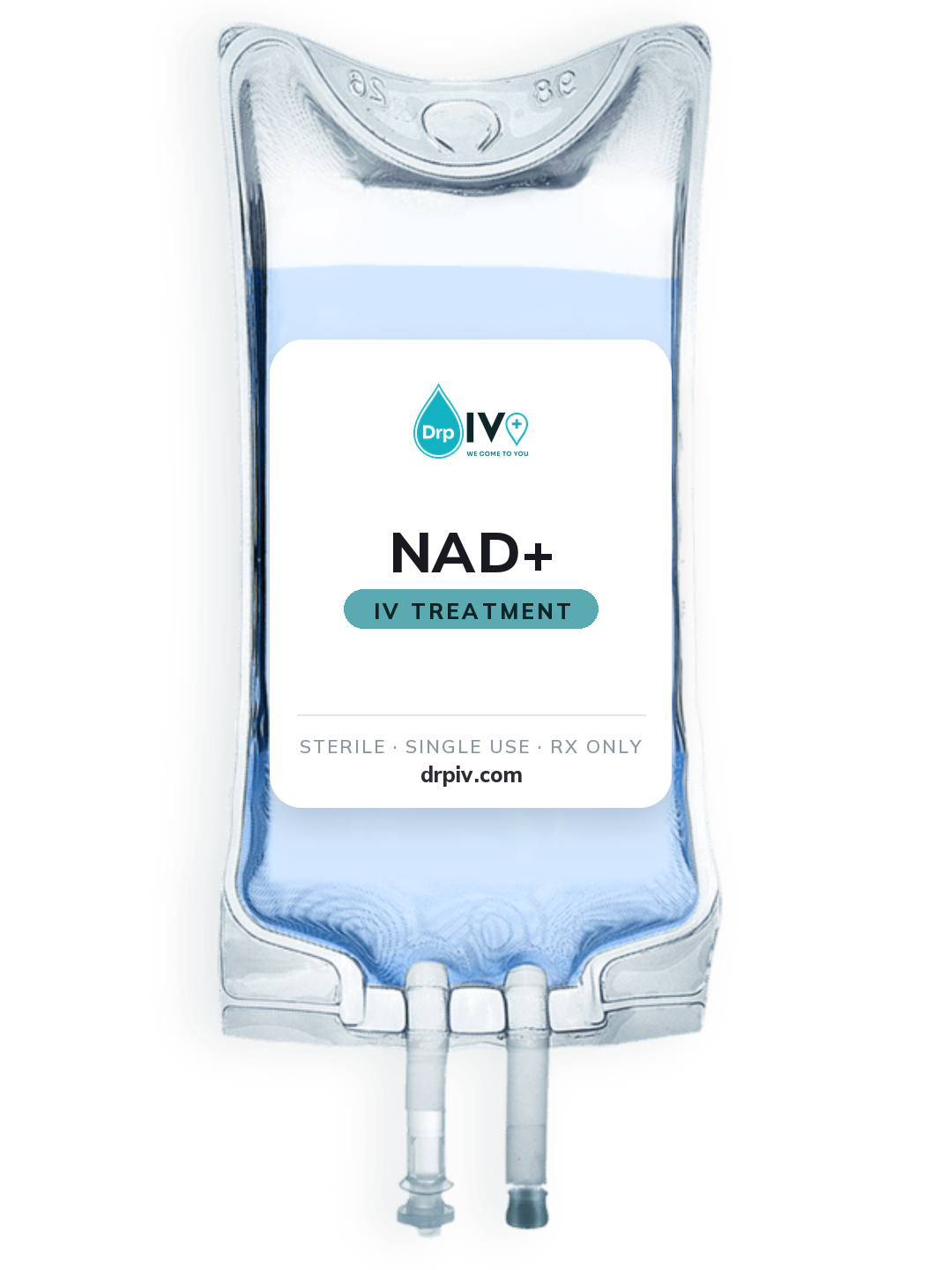
The drip bag pictures from your drip menu, full size with see-through backgrounds. Good for social posts, flyers and menus.
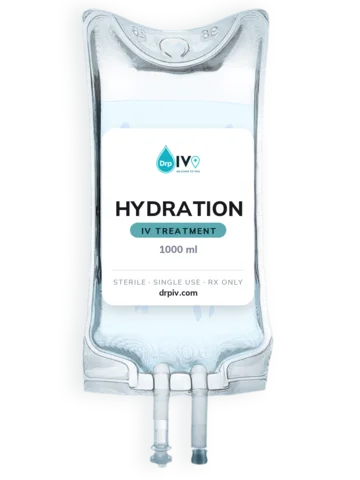
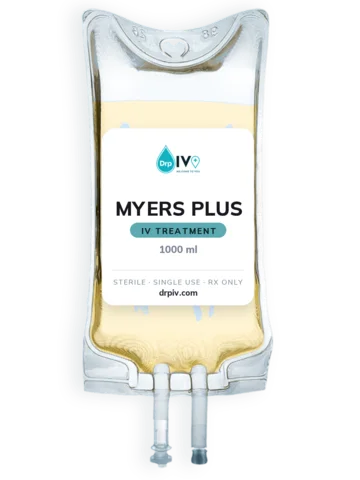
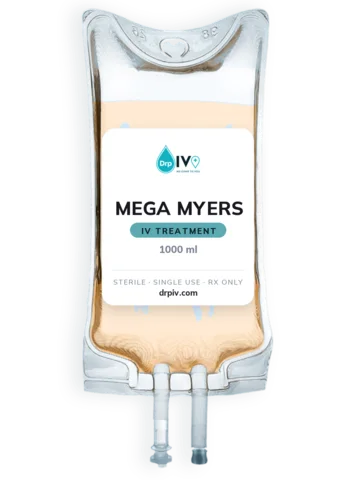
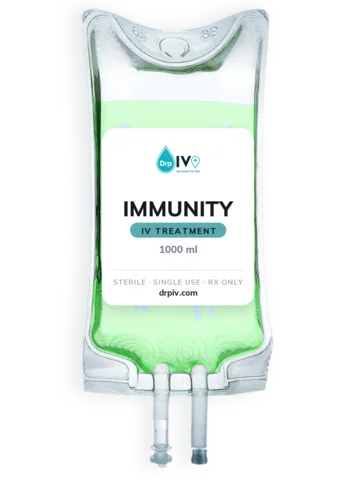
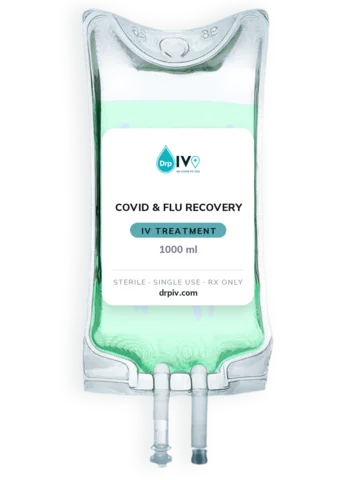
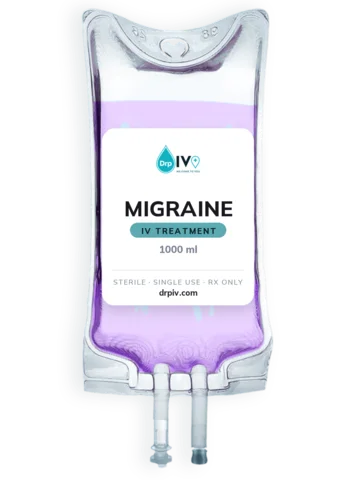
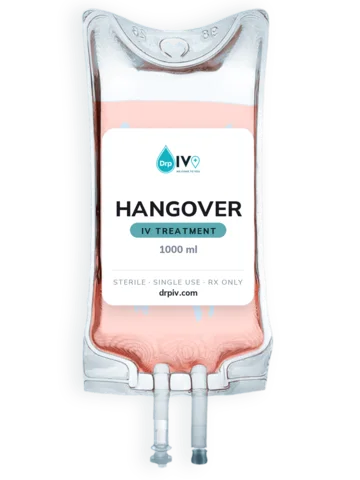
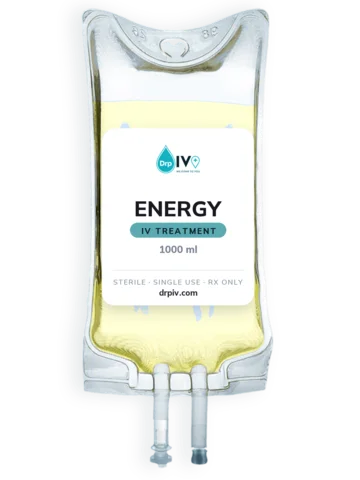
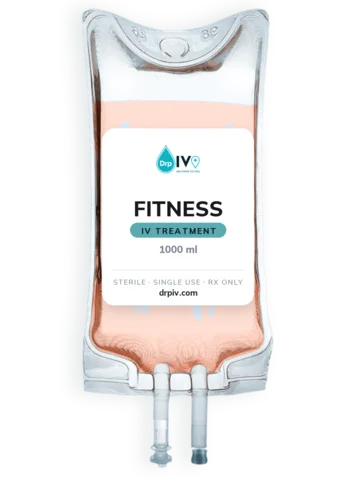
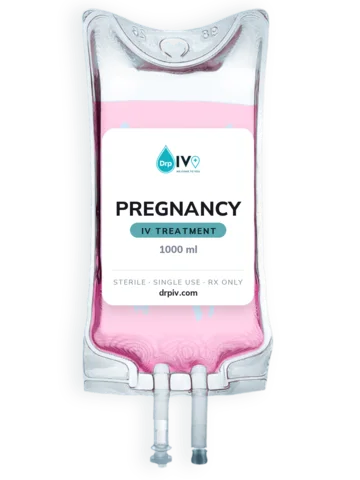
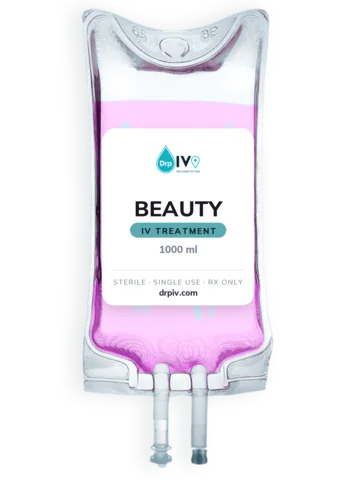
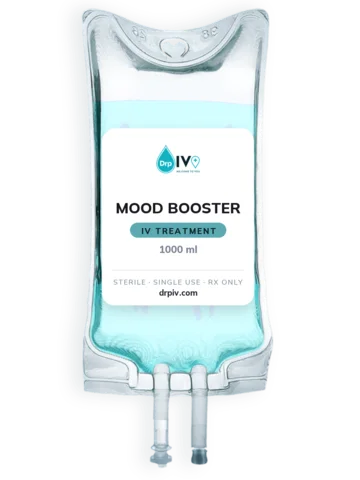
Tap a colour to copy its code. Most apps (Canva included) take the code that starts with #.
All four are free from Google Fonts.
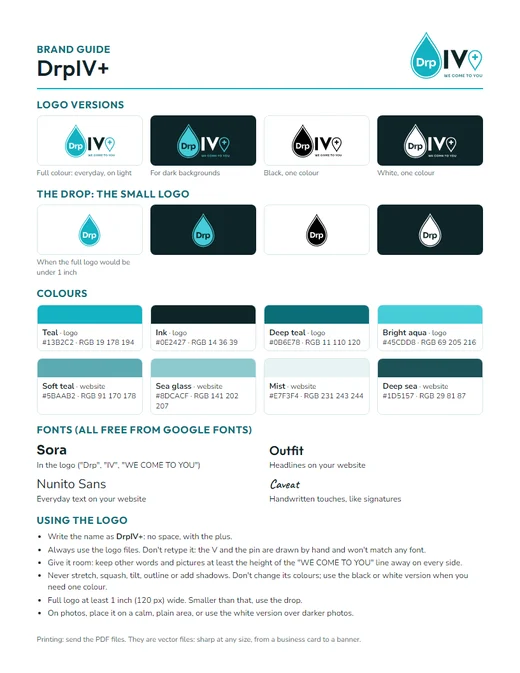
Your logo versions, colours, fonts and the few rules, on one printable page. Send it with your logo files to any printer, designer or sign shop.
Where your nurses find the schedule, forms and handbook. They sign in with the staff password.








Social media
Download this section 373 KBProfile picture
Your round picture on Instagram, Facebook, TikTok, your Google listing and anywhere else that shows a small circle. The app cuts the circle for you.
Square logo
For places that ask for a square logo: directories, review sites, sponsor lists, event pages.
Link preview picture
What people see when your website link is shared in a text, post or email. It is already set on drpiv.com.